Every kiosk and tablet,
under control.
AIO MDM is the fleet dashboard for our restaurant kiosks and tablets. Live health, geolocation, remote control and firmware updates, from one screen. For AIO staff.
What it does
One place for the whole lifecycle of a device: from the day it is unboxed to the firmware it runs a year later.
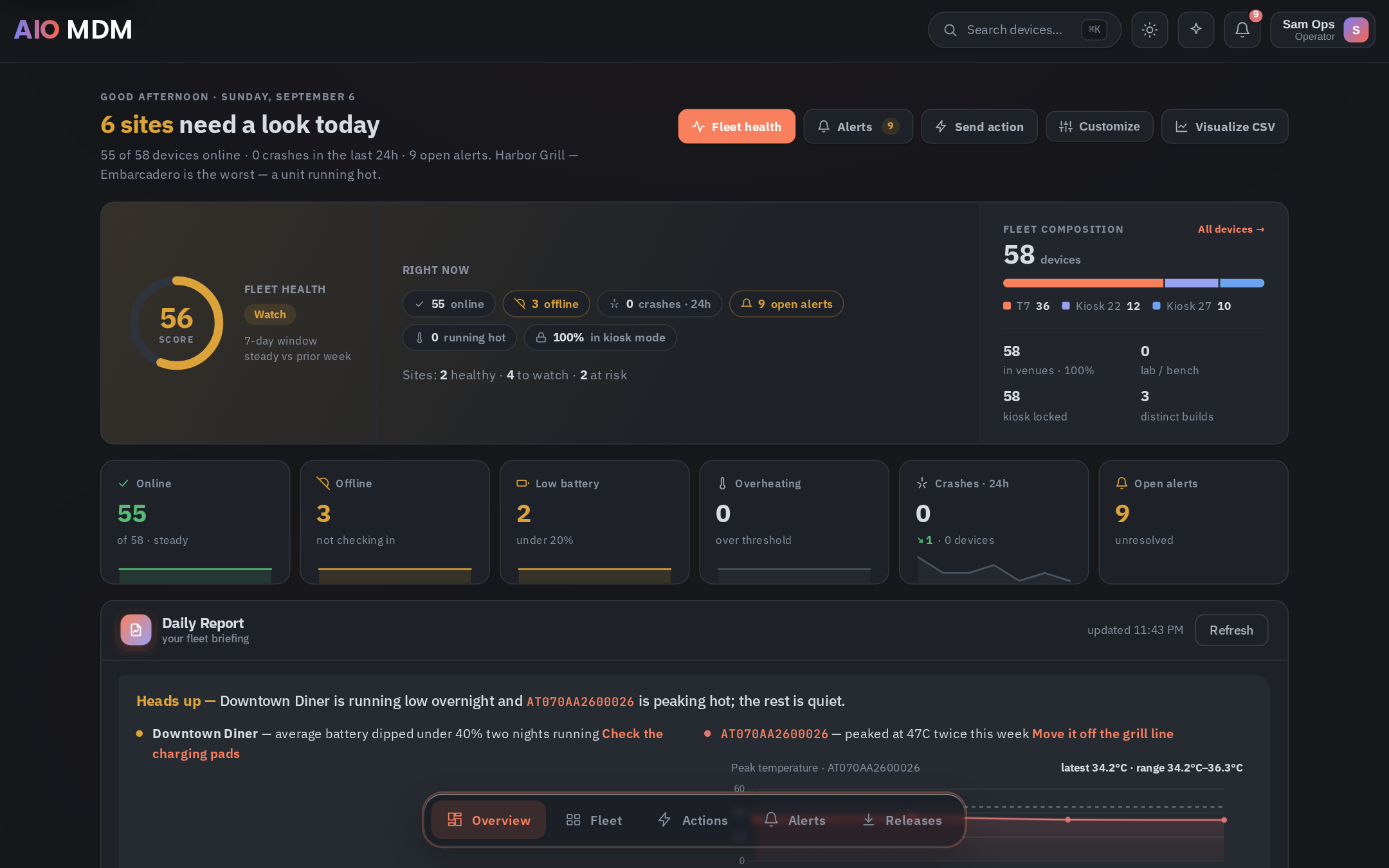
Fleet health, per venue
A score built from our own telemetry: battery, temperature, memory, Wi-Fi, crashes, charging pads. Worst venue first, with the reasons.
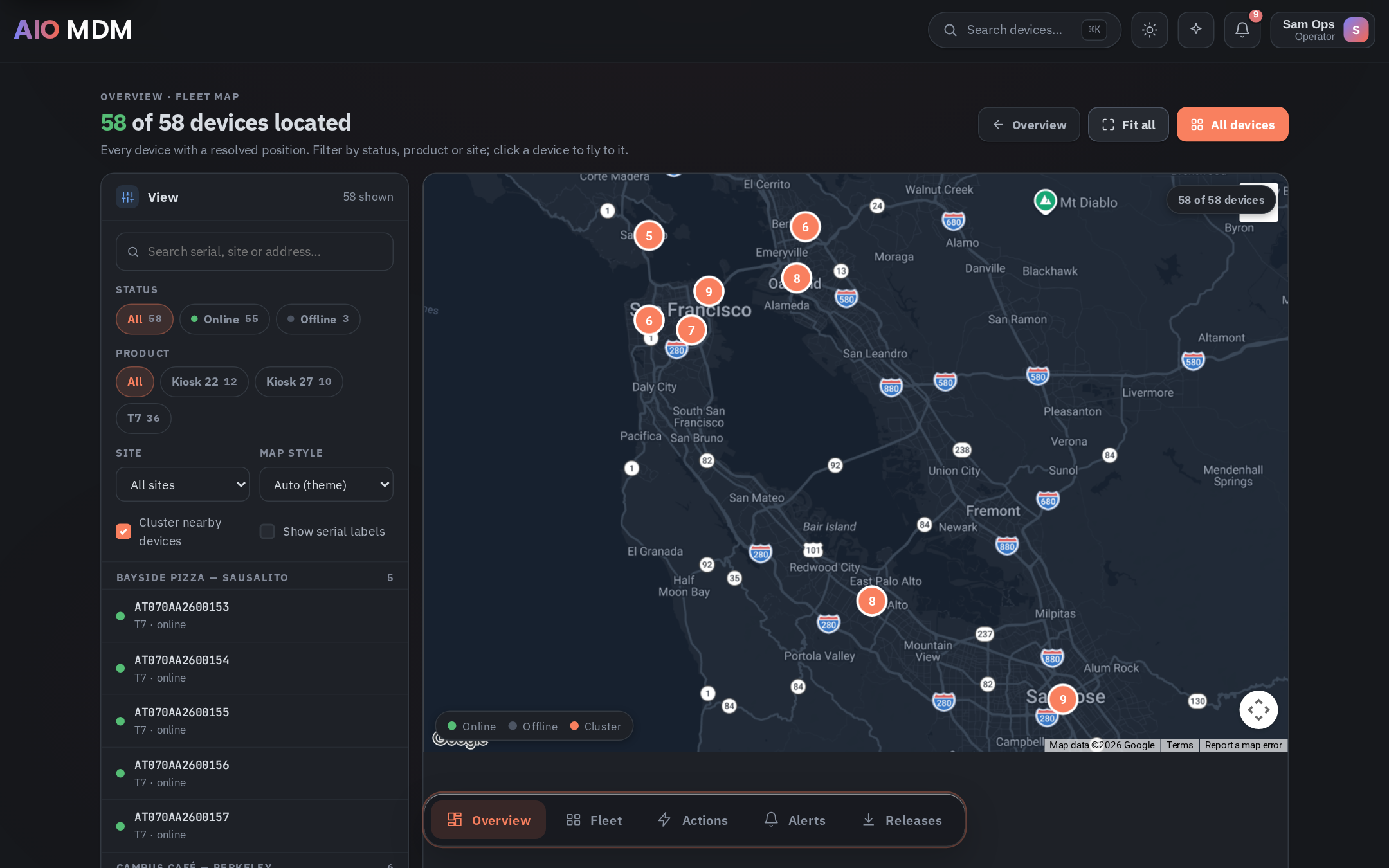
Geolocation
Position resolved from Wi-Fi scans. No GPS, works indoors, every device on a map clustered by restaurant.
Remote control
Live screen, taps and keys from the browser, wherever the device is. Shell, screenshot and logs when you need to dig.
OTA updates
Ship whole builds, not just apps. A/B seamless updates with per-device progress, reboot policy and a rollback slot.
Bulk actions
Install, uninstall, reboot, kiosk lock. Target a venue, a group or a pasted serial list. Every device acknowledges live.
Alerts that say what to do
Plain-language alerts with the fix, a daily briefing for the ops team, and filters that answer the question you actually have.
Every device on the map
Position resolved from the Wi-Fi networks a device can see. No GPS, works indoors, clustered by venue. Click a device to fly to it.
Open the map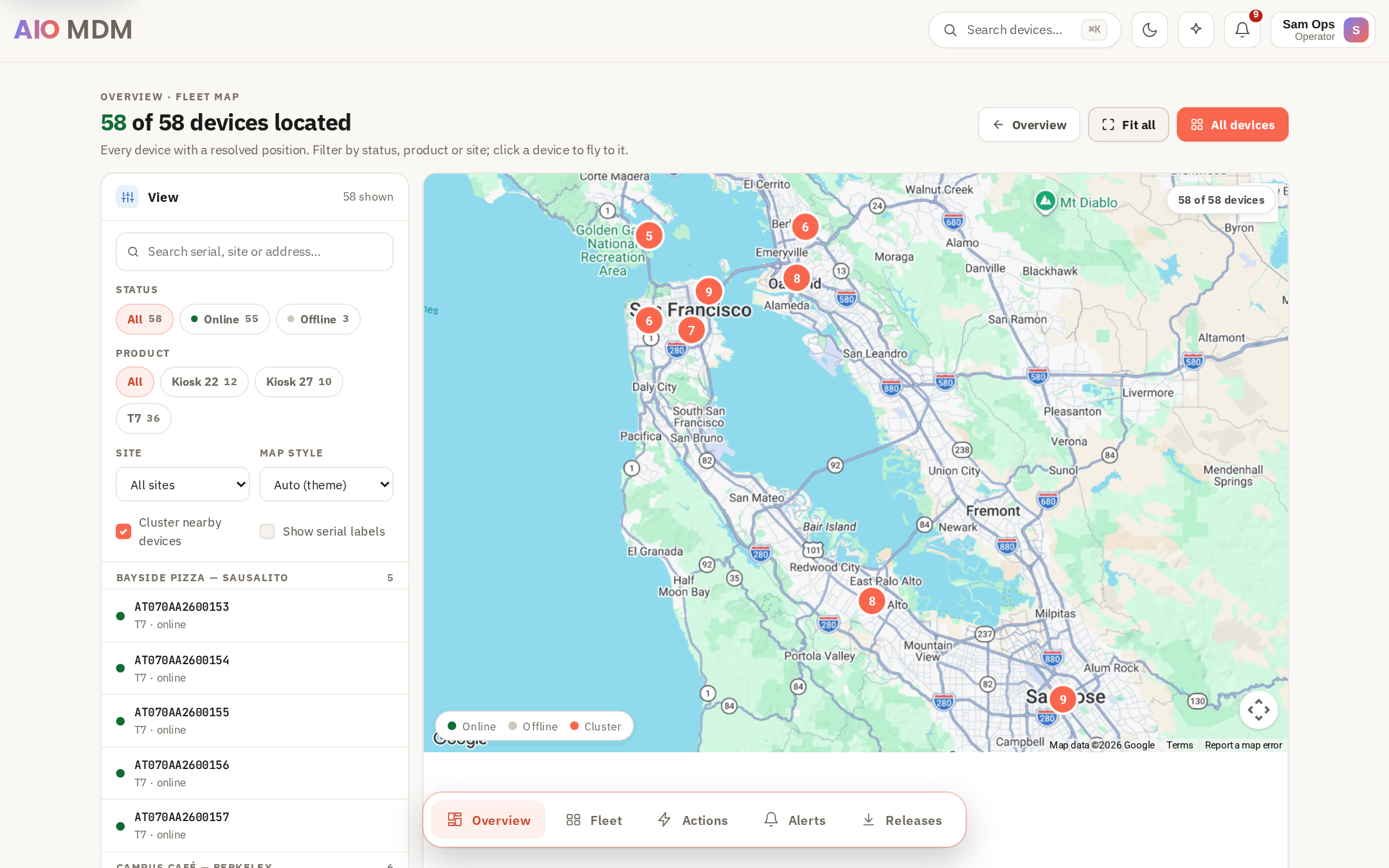
Who does what
Three roles. New accounts start as viewer; an admin raises you when you need more.
See everything
Dashboard, devices, alerts, history, map. No changes. Right for support and management.
Run the day
Send actions, acknowledge alerts, remote control, follow rollouts, name devices. Ops team.
Own the setup
Users, alert rules, kiosk policies, restaurants, releases, settings. A small group.
Training
Short chapters, one situation each. Watch the one you need; the whole course is under half an hour.
Guides
The five things people ask ops to do. Each takes a minute once you know where to click.
Find a device
- Press Ctrl K or click Search devices in the top bar.
- Type the serial, nickname or venue name.
- Open the device page for vitals, apps, history and placement.
A device shows offline
- Open the device page and check Last seen and the Wi-Fi history.
- If the venue is open, ask staff whether the unit is on its charging pad.
- Send Reboot from Actions. The alert resolves itself when it comes back.
Push an app to a venue
- Actions → Install app → choose the APK.
- Target: pick the restaurant, a group, or paste serials.
- Send. Watch acknowledgements land; verify in the device's Applications tab.
Roll out a firmware update
- Releases → open the release → Deploy.
- Select all eligible devices, or narrow by venue or group.
- Choose the reboot policy and push. Progress is per device; failed units can be retried.
Take over a screen
- Device page → Remote Control (operator or admin role).
- Tap and type in the browser; use the hardware keys panel for Home and Back.
- End session when done. The device returns to kiosk mode on its own.
Onboard a new device
- Power it on; it checks in and appears under Fleet as unassigned.
- Open it and set a nickname. Placement (restaurant, group) is set at provisioning.
- Confirm the kiosk policy under Policies. Done.
FAQ
For AIO staff. If your question is not here, ask in the ops channel.
How do I get an account?
Sign up with your @aioapp.com email and confirm the verification link. New accounts start as viewer. Ask an admin to raise you to operator (send actions, remote control) or admin (users, policies, releases).
What can each role do?
Viewer sees everything but changes nothing. Operator sends actions, acknowledges alerts, runs remote control and deployments. Admin also manages users, alert rules, policies, restaurants and releases. Restaurant owners get a reduced owner view of their own venue.
What does "online" mean?
A live WebSocket connection from the device agent right now. It is not "checked in recently". A device that lost Wi-Fi drops to offline within about a minute and an alert fires after the configured grace period.
Where does the location come from?
The agent reports nearby Wi-Fi networks; the server resolves them to a position. No GPS. Accuracy is roughly building level, which is enough to tell venues apart.
Why can't I remote-control a device?
You need the operator or admin role, the device must be online, and remote control must be enabled in Settings. Only one session per device at a time; a second viewer takes over the first.
How do I exit kiosk mode on the device itself?
Long-press Back and Power together. This is for technicians on site; the device re-locks according to its policy.
An alert fired. What now?
Open it. The text says what happened and what to do. Open device jumps to the unit, Acknowledge tells the team you own it. Alerts resolve on their own once the condition clears.
Something looks wrong with the dashboard
Refresh first. If it persists, note the page, the device serial and the time, and post in the ops channel. The audit log under Users records every action if you need to trace a change.
I forgot my password
Use Forgot password on the sign-in page. The reset link goes to your @aioapp.com inbox.
Ready to run the fleet?
Sign in, or create an account with your @aioapp.com email.